 Hushcolor
A quiet place to color.
Pick a picture, match the numbers and watch it bloom, one tap at a time. Detailed illustrations of animals, flowers, nature and cozy corners. No timers, no scores, just a little room for color in your day.
- Free to download
- No sign-up
- English, Español, العربية, Deutsch
- Animals
- Birds
- Flowers
- Nature
- Fantasy
- Food
- Interiors
- Vehicles
Simple to start, satisfying to finish
The familiar pleasure of paint by number, made for your phone. No drawing experience needed.
Pick a picture
Browse the gallery or open today's picture. Choose a small coloring break or an evening in the details.
Match the numbers
Choose a color from the numbered palette and tap the matching shapes. Pinch to zoom in on the small ones.
Watch it come to life
Shape by shape the illustration fills with color. When you finish, replay how it came together.
Pictures worth slowing down for
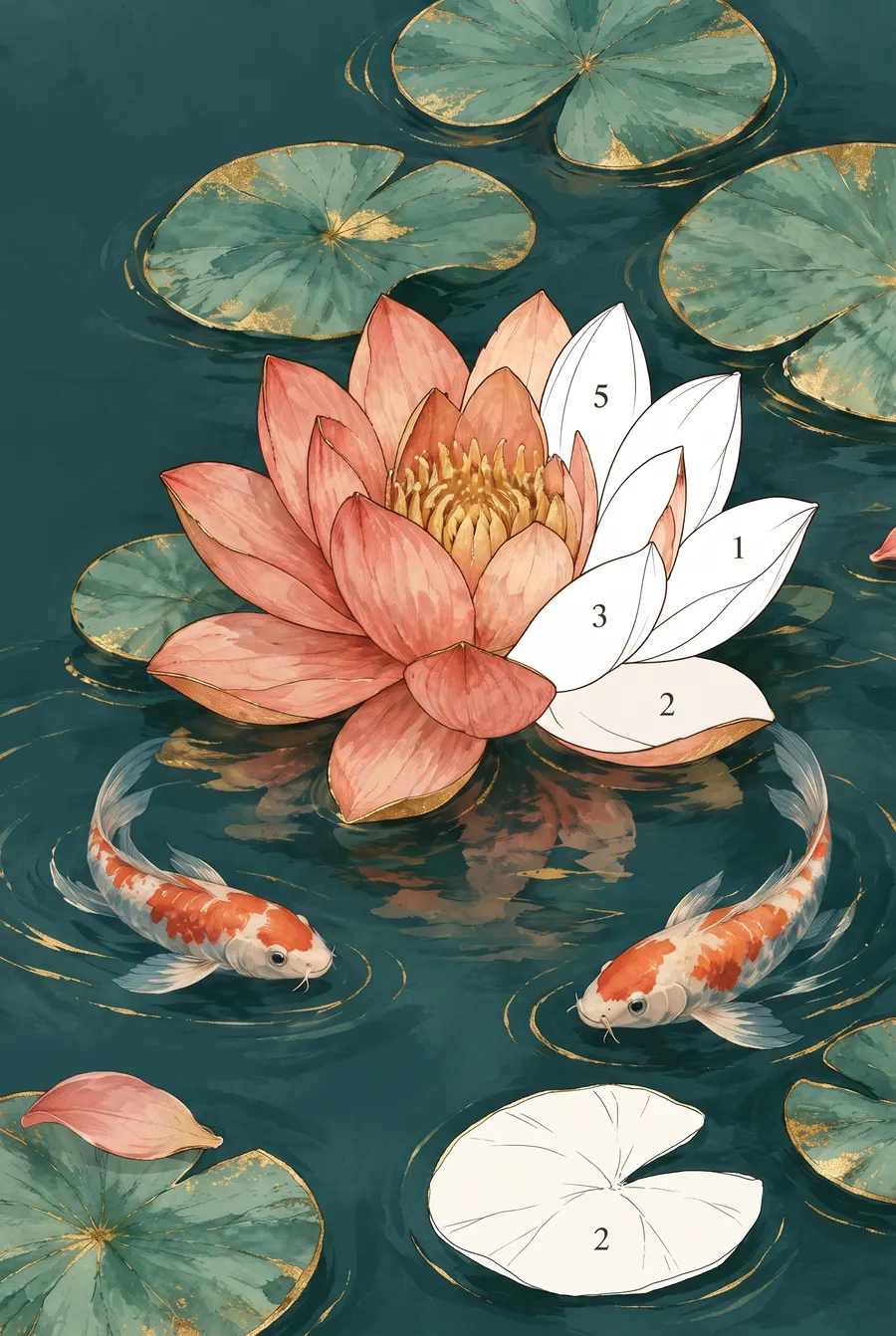
Detailed illustrations with soft brushwork, fine line work and plenty of little details to discover as you color.
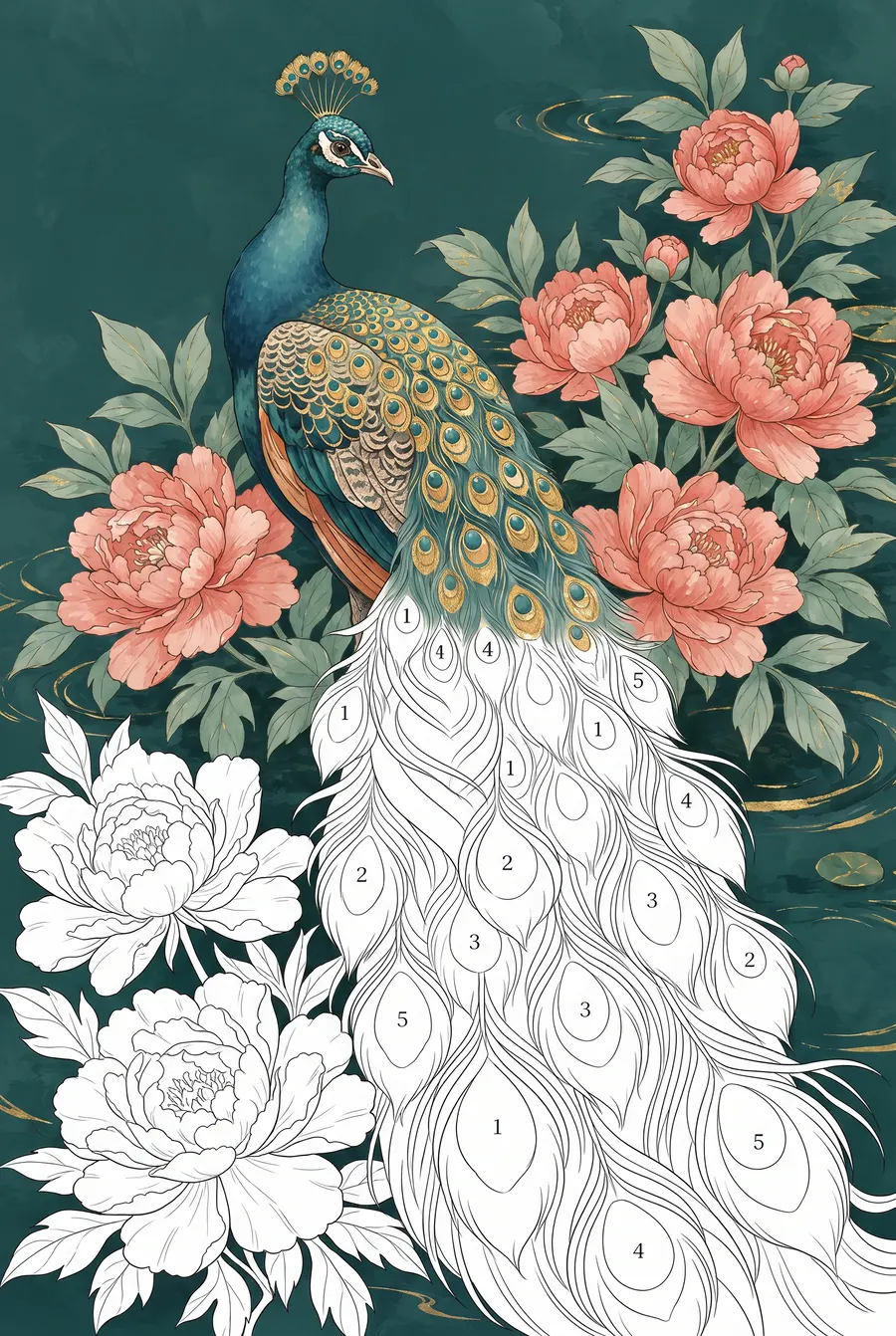
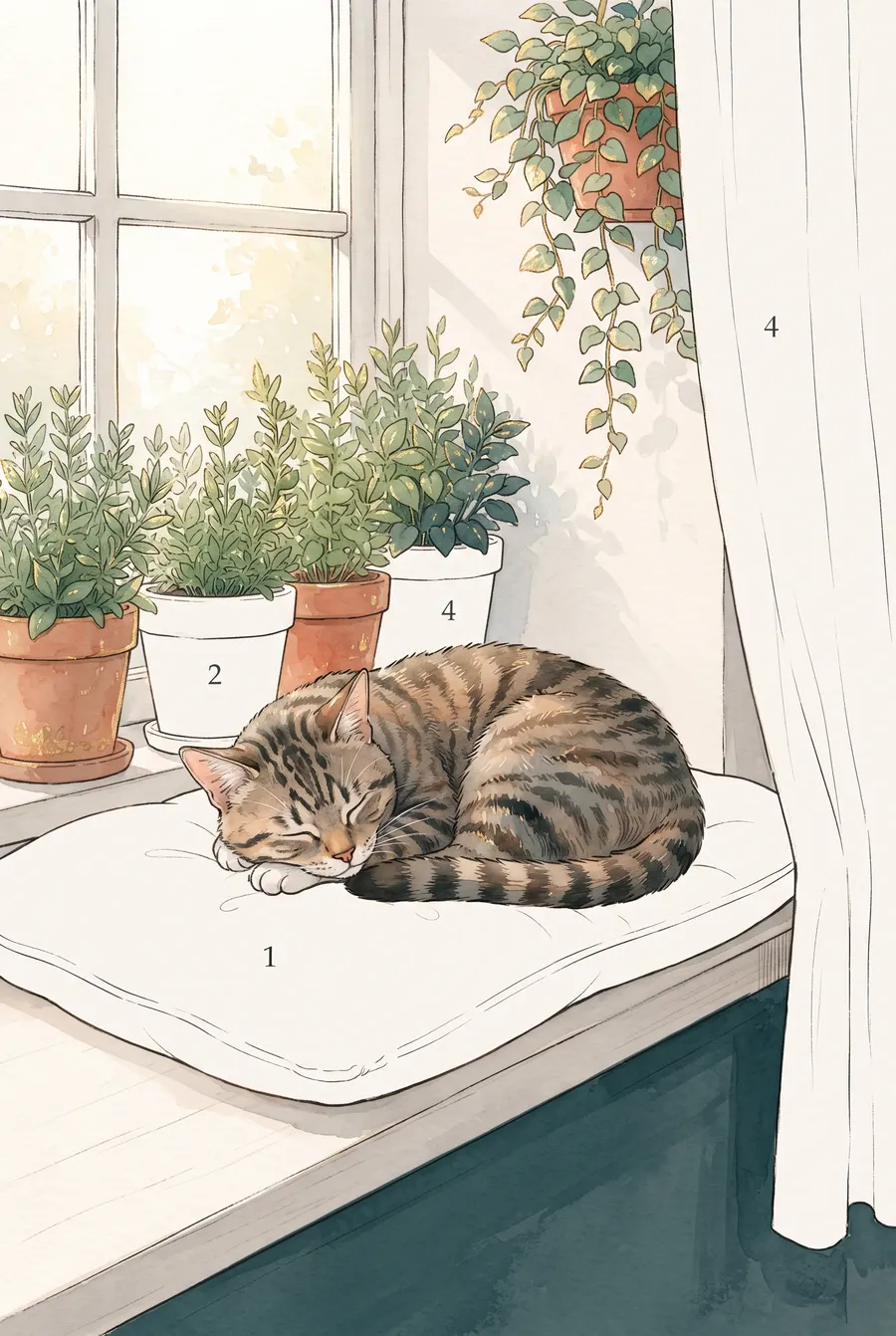
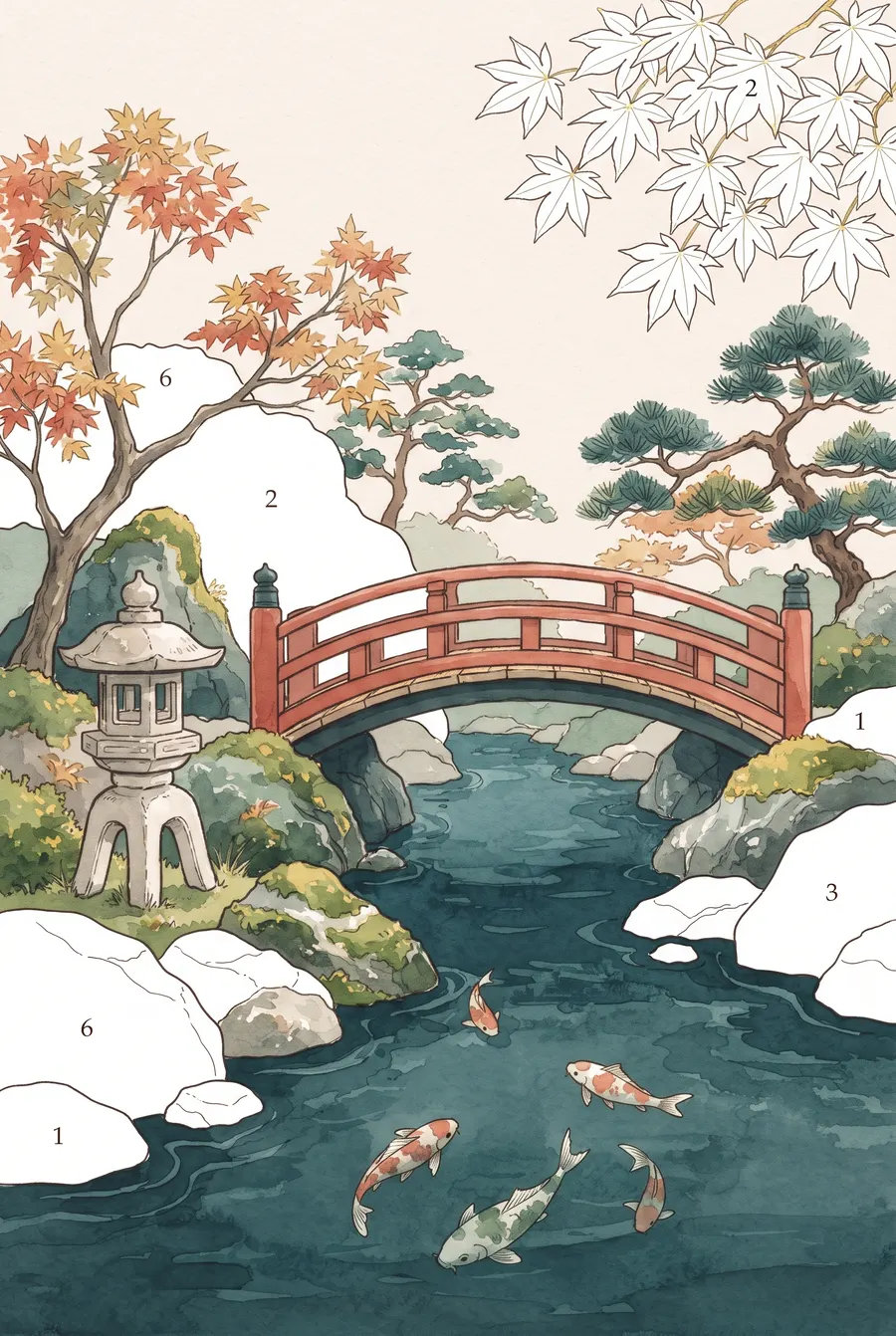
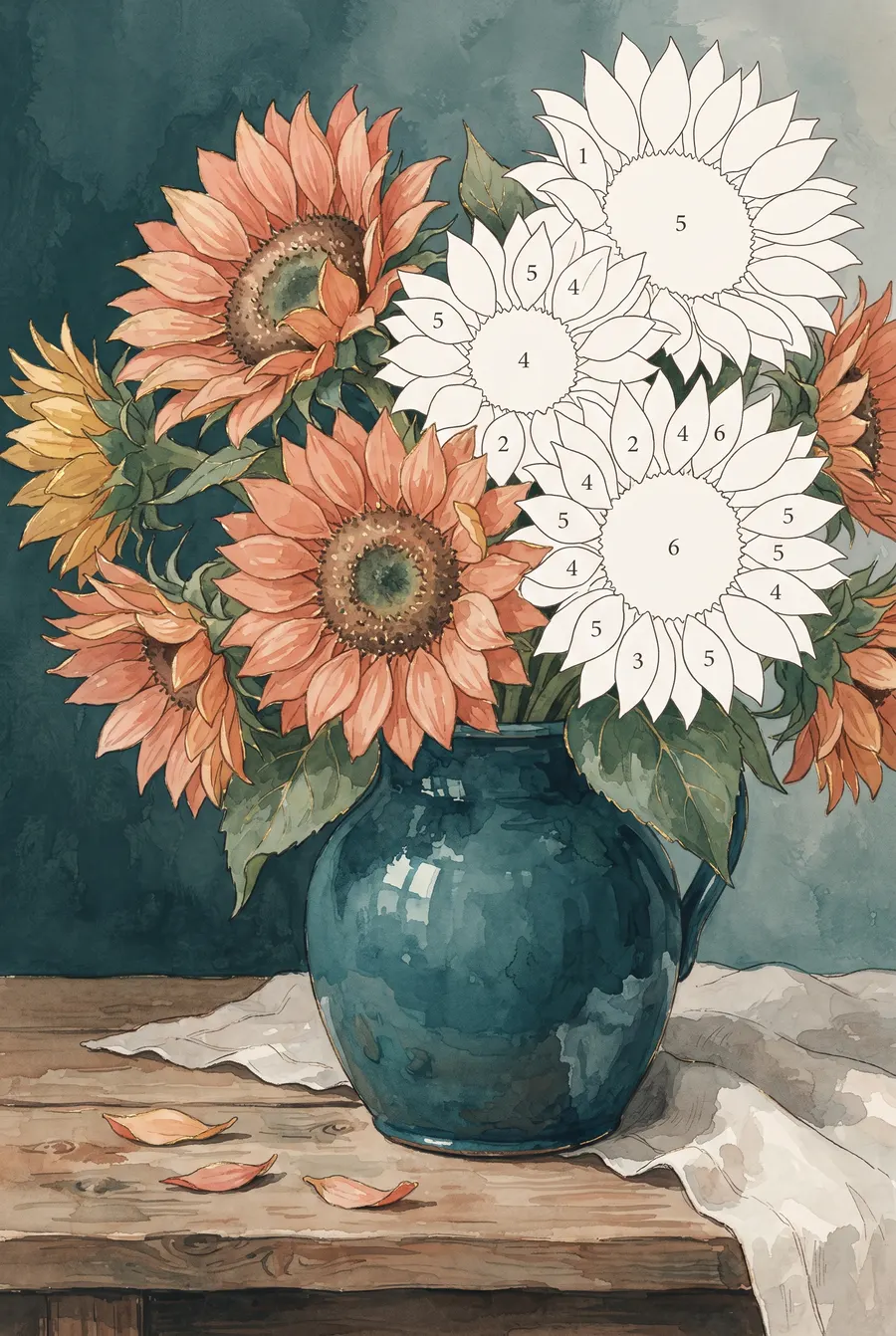
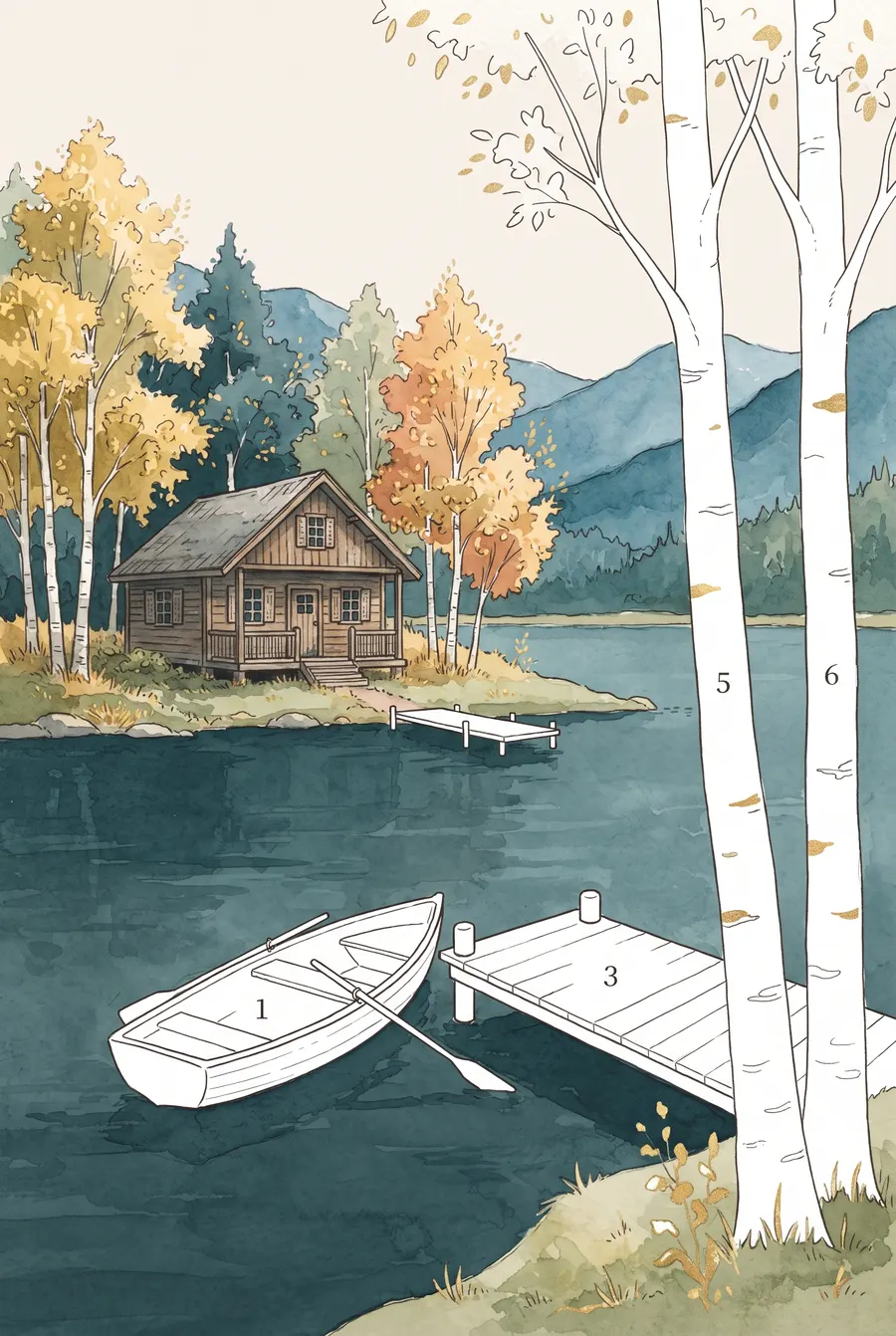
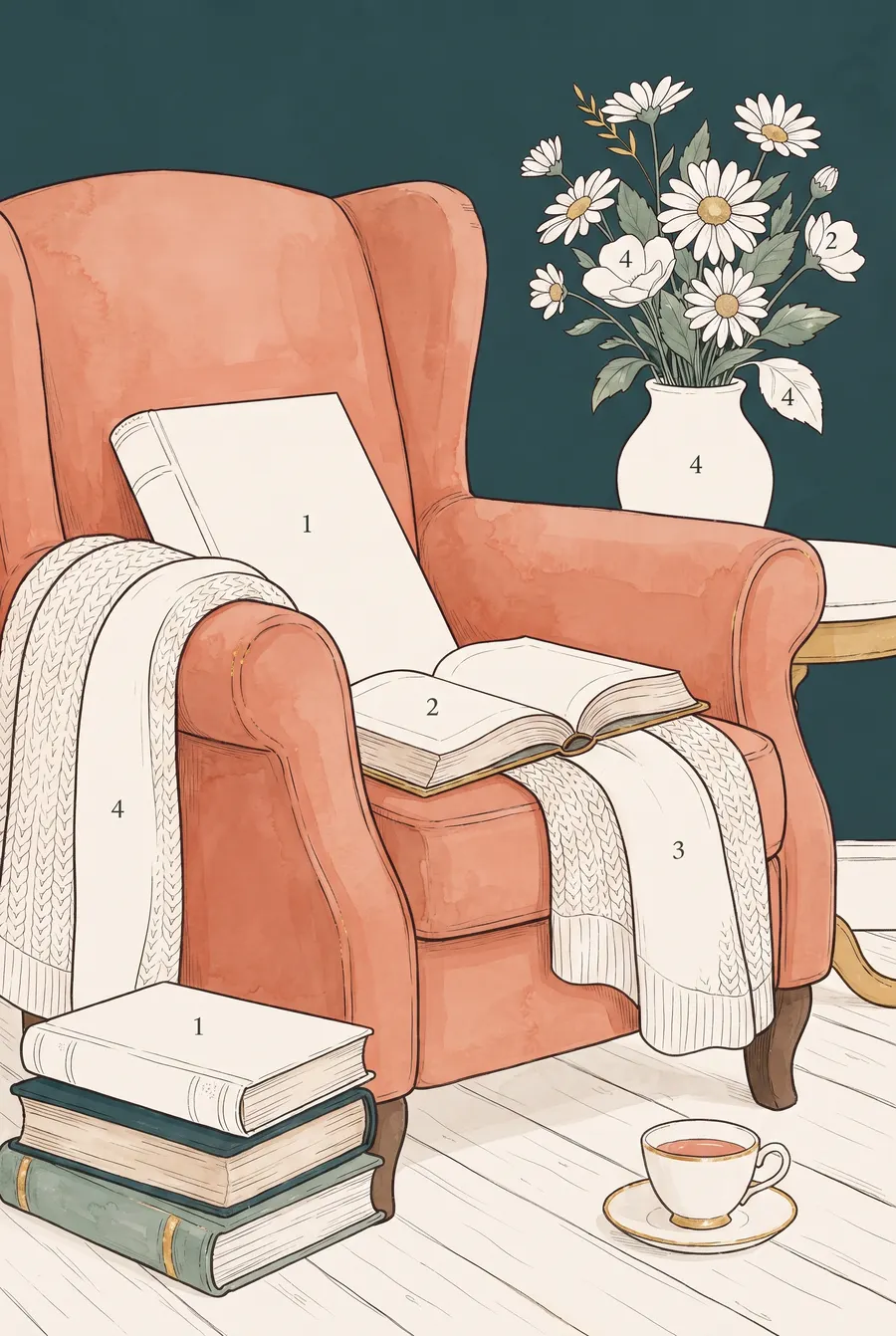
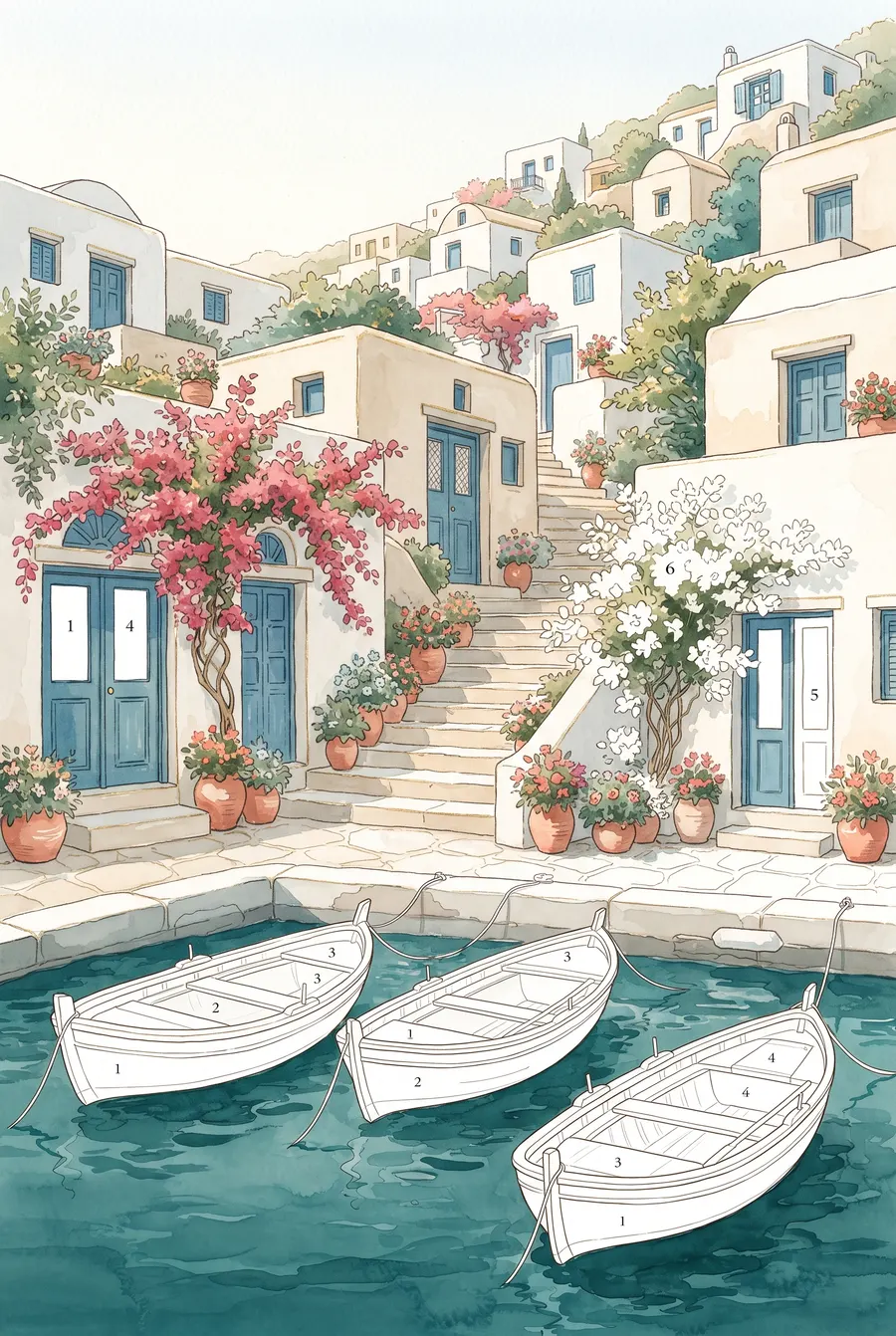
Illustrations show the Hushcolor style. The pictures in the app change as new ones are added.
Everything you need, nothing that rushes you
Hushcolor keeps the screen quiet so the picture can do the talking.
Today's picture
A daily selection to come back to, with earlier days waiting in the calendar.
My Art
Finished pictures gather in your own collection, and unfinished ones are kept in My Art.
Gentle hints
Stuck on the last few shapes? A hint shows you an unfinished area.
Zoom into the details
Pinch to zoom deep into fine feathers and petals, with numbers that stay easy to read.
Color your way
Press and hold a shape to pick its color, choose how waiting areas are highlighted, and set music, sound and vibration.
Watch it come together
Replay your picture from the first tap to the last, then save it or share it with friends.
Ten minutes or a whole evening
Every picture keeps your progress, so you can set it down and pick it up again later.
- No timers, no scores. Nothing to beat and nothing to lose.
- No sign-up. Open the app and start coloring.
- Your progress stays on your phone. Your unfinished pictures are listed in My Art.
- Made for grown-ups. Detailed, unhurried pictures for a calm moment.
Go further with VIP
Hushcolor is free to download with ads. VIP is an optional subscription for those who want every picture and no interruptions.
Weekly, monthly or yearly. Renews automatically until cancelled in your store account. Prices are shown in the app before you buy. A separate one-time Remove Ads purchase is also available. See the Terms of Use.
- No ads
- VIP-only pictures
- Unlimited hints, hint zoom and Locate
- Save the time-lapse video of your picture
- Save and share without the watermark
Good to know
Is Hushcolor free?
Yes. Hushcolor is free to download and to play, and it shows ads. Optional purchases are available: the VIP subscription and a one-time Remove Ads purchase.
Do I need an account?
No. There is nothing to sign up for. The app uses an anonymous installation ID to download pictures securely; see the Privacy Policy.
Do I need an internet connection?
Pictures are downloaded when you open them, so you need an internet connection to get new pictures and keep access to them up to date. Pictures you have already opened can stay available offline for a limited time; see section 7 of the Terms of Use.
Will my pictures move to a new phone?
Your progress and finished pictures are stored on your phone, and cloud backup is not available yet. Purchases are tied to your store account and can be restored with Settings → Restore purchases.
How do I cancel VIP?
On Android, open Google Play → Payments & subscriptions → Subscriptions and cancel before your renewal date. VIP stays active until the end of the period you paid for. Uninstalling the app does not cancel it.
Which languages does Hushcolor speak?
English, Spanish, Arabic and German.
We're here to help
Write to us
A purchase that didn't arrive, or a picture that looks wrong? Tell us your phone model and what happened.
Restoring purchases
On a new phone or after reinstalling, sign in to the same Google account you bought with and tap Settings → Restore purchases.
Your data
Your pictures and progress live on your phone, and uninstalling removes them. To have records linked to your Support ID deleted, use Settings → Feedback & support → Request data deletion. See the Privacy Policy.
A picture to make your own
Hushcolor is coming soon to Google Play.